
RDR 2 Cheats
Buy RDR 2 cheats with soft aim, player ESP, animal ESP, horse overlays, radar, stream-proof mode and 24/7 Discord support.

At a glance
Key capabilities
What RDR 2 focuses on before you open the full module list.
Plus 14 additional modules in the operator portal—see the full list below.
Overview
RDR 2 Cheats: aim assist, ESP and radar
How this build fits ranked, Turbo, and patch-day workflows.
One private suite for Red Dead Redemption 2 on Windows PC: soft aim and aim assist, player ESP, horse overlays, animal and legendary markers, camp ESP, 2D radar, stream-proof mode and config sync.
Plans are Monthly ($35) or Lifetime ($150). Confirm status on rdr2cheats.net, then checkout and follow the portal setup guide.
RDR 2 Private Cheats is the main PC suite for Red Dead Redemption 2—soft aim and aim assist, player ESP for Story and Red Dead Online, animal and legendary markers, horse overlays, radar, stream-proof mode, and cloud configs with Discord support.
Story mode and Red Dead Online
Portal presets cover Story and RDO. Start conservative after any Rockstar or anti-cheat patch, test offline or in a quiet session, then scale FOV and ESP distance. Staff help tune before your first live Online session.
Included modules
Aim assist with soft aim, bone selection and visible check; player ESP with box styles, skeleton and health; horse and mount options; world ESP for NPCs, animals, legendary animals and camps; 2D radar; stream-proof overlay; combat mode; custom keys and config save/load.
Plans
Access is Monthly at $35 or Lifetime at $150—same feature set either way. Check the status banner on rdr2cheats.net before checkout via our secure partner.
Modules
What's included
Every module and overlay shipped with RDR 2—toggle and tune in the operator portal.
- Soft Aim / Aim Assist (Aim Key, FOV, Smooth, Bone Selection)
- Visible Check & Ignore Friendly / Same Posse
- Draw FOV & Target Line
- Max Aim Distance
- Player ESP (Box, Skeleton, Head Circle, Health, Nameplate)
- Distance, View Direction, Out-of-Screen Arrows
- Posse / Lawmen / Outlaw / Rival filters
- Horse & Mount ESP with state readouts
- NPC / Animal ESP
- Legendary Animal markers
- Camp, Stranger & Collectible markers
- Chest / Loot object ESP
- 2D Radar with player and node markers
- Radar range and zoom controls
- Stream-Proof Overlay
- Combat Mode (Hide World ESP)
- Custom Crosshair & ESP Colors
- Custom Menu / Panic Keys
- Config System (Save / Load)
- 24/7 Discord support
Experience
In the client · After you buy
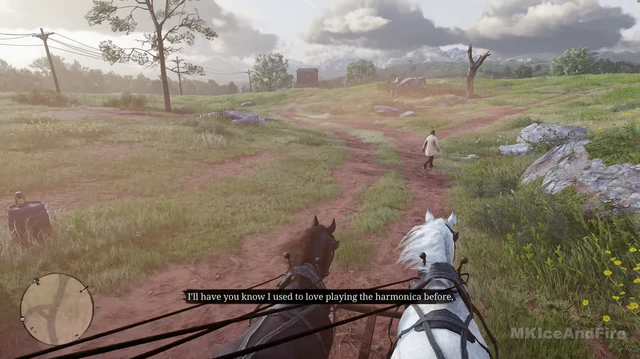
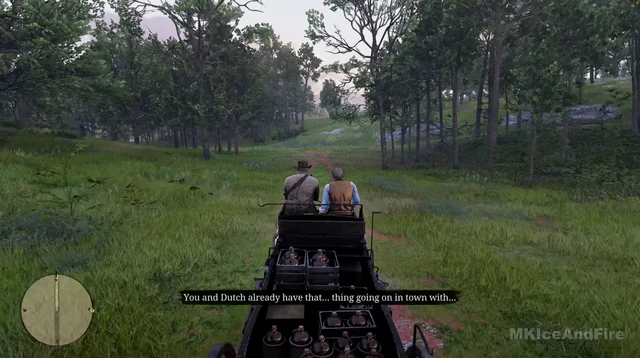
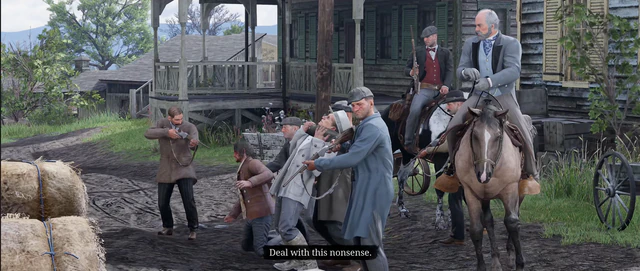
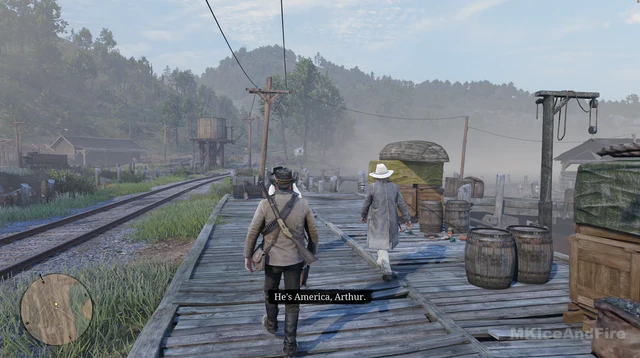
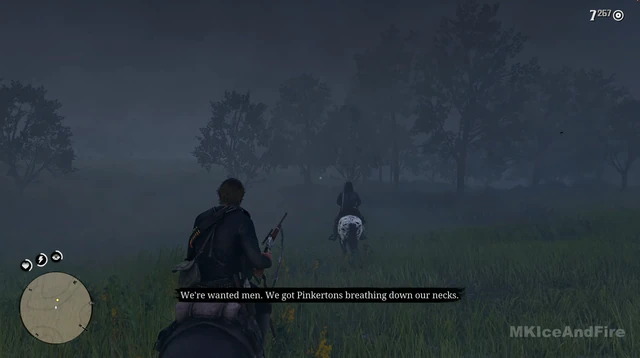
Use the screenshots above for RDR 2—below is what each layer means and how access works after checkout.
In-game layers
- Layer A
Open world
Frontier landscapes across RDR 2 on PC.
- Layer B
Gunfight
High-intensity RDR 2 combat on Windows PC.
- Layer C
Horseback
Mount travel across the RDR 2 frontier.
- Layer D
Wilderness
Hunting and exploration in RDR 2 wilderness.
- Layer E
Duel
Duel and close-range combat in RDR 2.
Guides
Learn more about RDR 2
Curated articles for setup, tuning, and patch-day checks that match this product.
What Red Dead Redemption 2 cheats mean on PC — story trainers, online risk, and the external suite sold at rdr2cheats.net.
Ranked modules — player ESP, legendary animal ESP, soft aim, radar, and stream-proof overlays — for Red Dead Redemption 2 on PC.
How Red Dead Redemption 2 ESP overlays work on PC — entity types, distance tags, and filters in the rdr2cheats.net loader.
Tune soft aim FOV, smoothness, and target priority for revolver fights in Red Dead Online on PC.
Install loader, portal login, presets, and first-launch checklist for RDR2 cheats on PC.
Windows requirements, Rockstar launcher, and why console cheats do not apply to PC RDR2 tools.
Cheat FAQ
RDR 2 cheats questions
Straight answers on soft aim, ESP, bans and setup — see the full FAQ for every topic.